KerfLab
CNC Panel Cutting
I wanted to build cabinets with my CNC.
Most panels only need one finished edge.
Can't I just use
pre-banded sheets?
I tried doing everything with
one compression cutter. It worked.
I couldn't find software that understood any of this. So I built it.
No account required
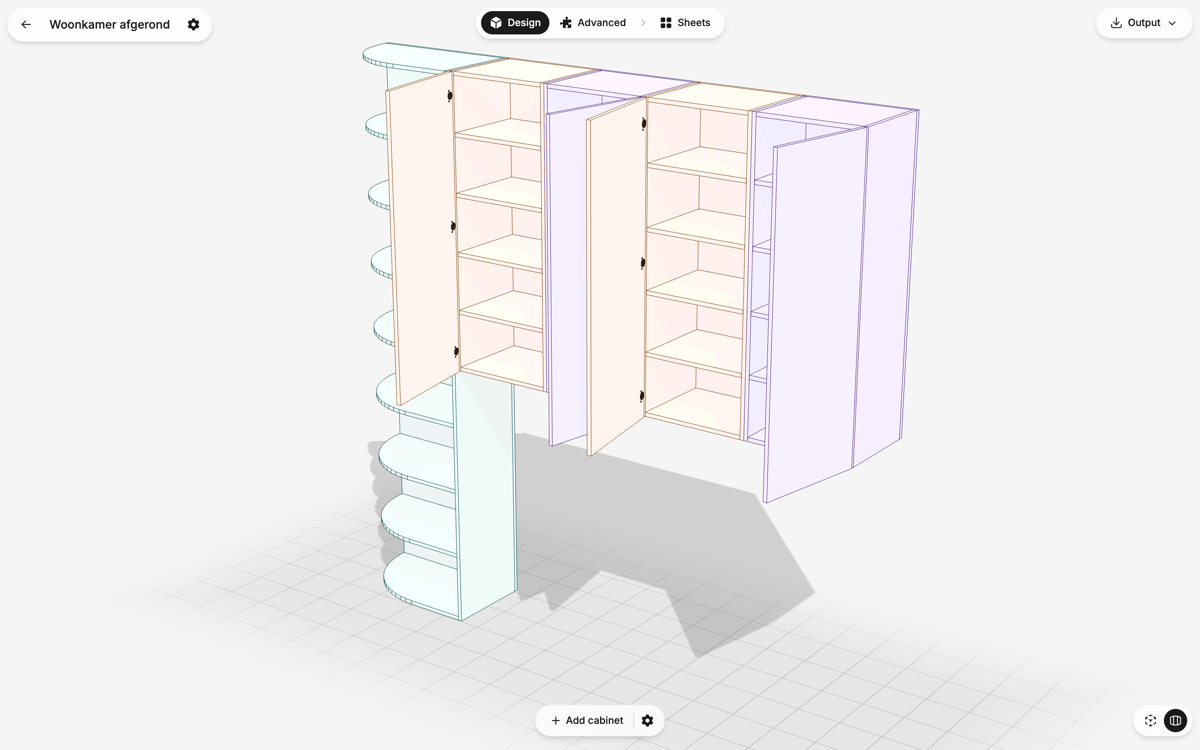
From design to G-code
Design cabinets in 3D, nest the panels onto your sheets, and generate ready-to-run G-code — all in one place.
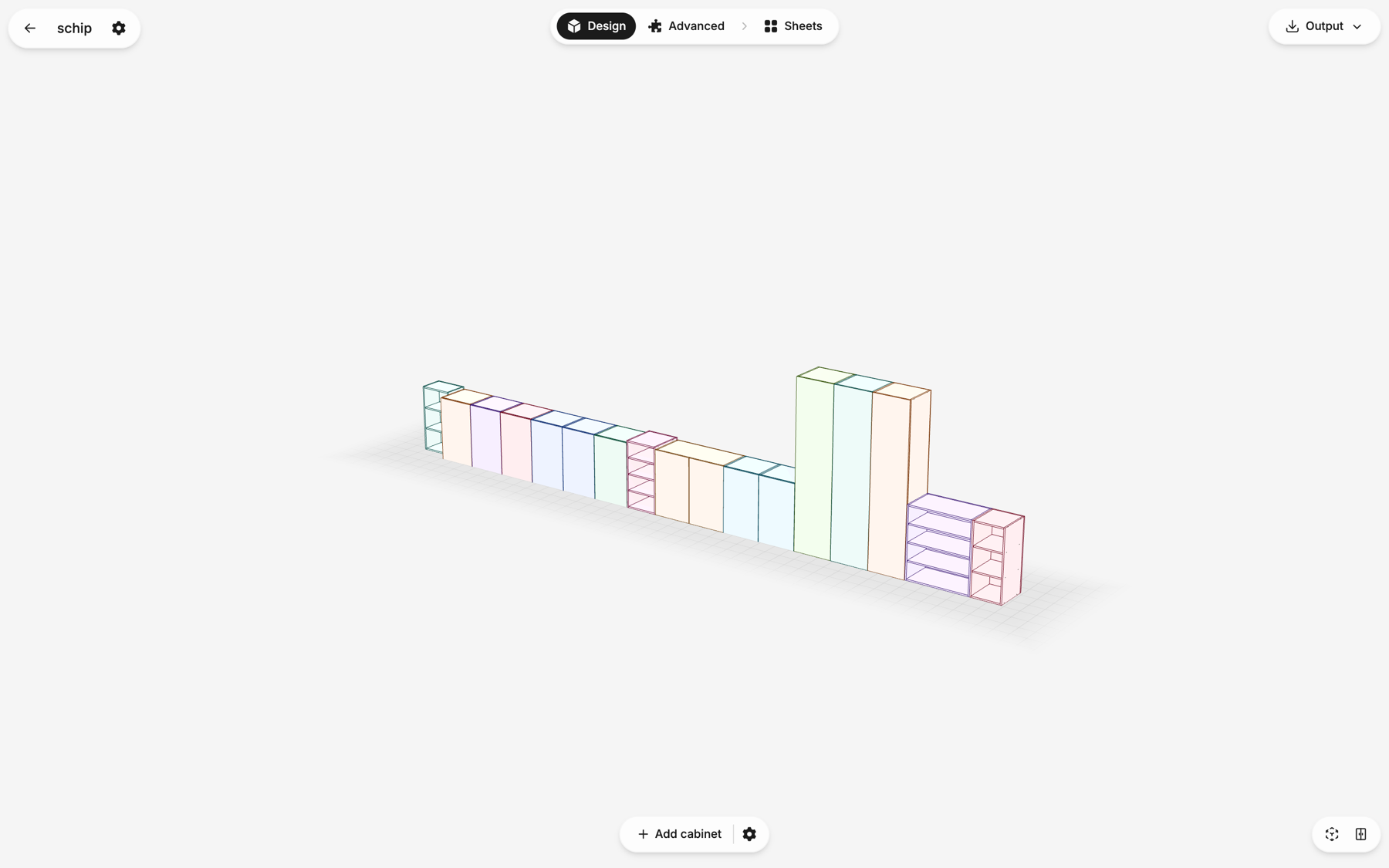
Design in 3D
Lay out cabinets, open the doors, and see exactly what you're building.
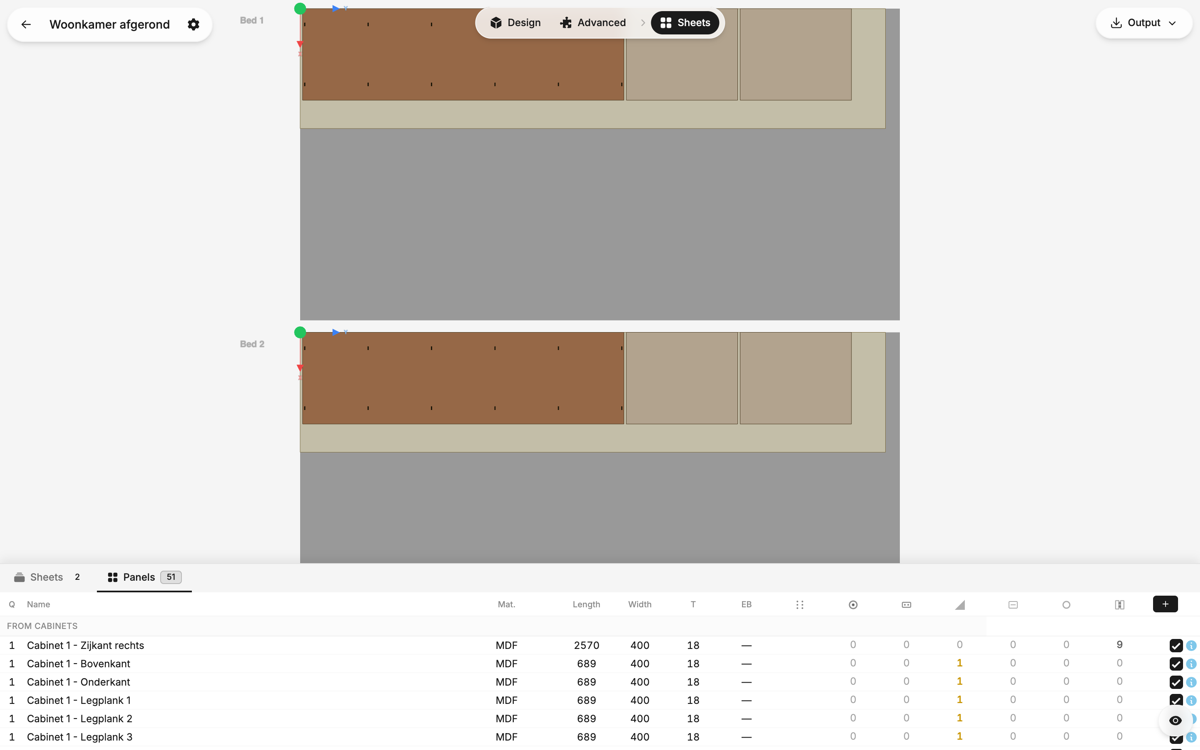
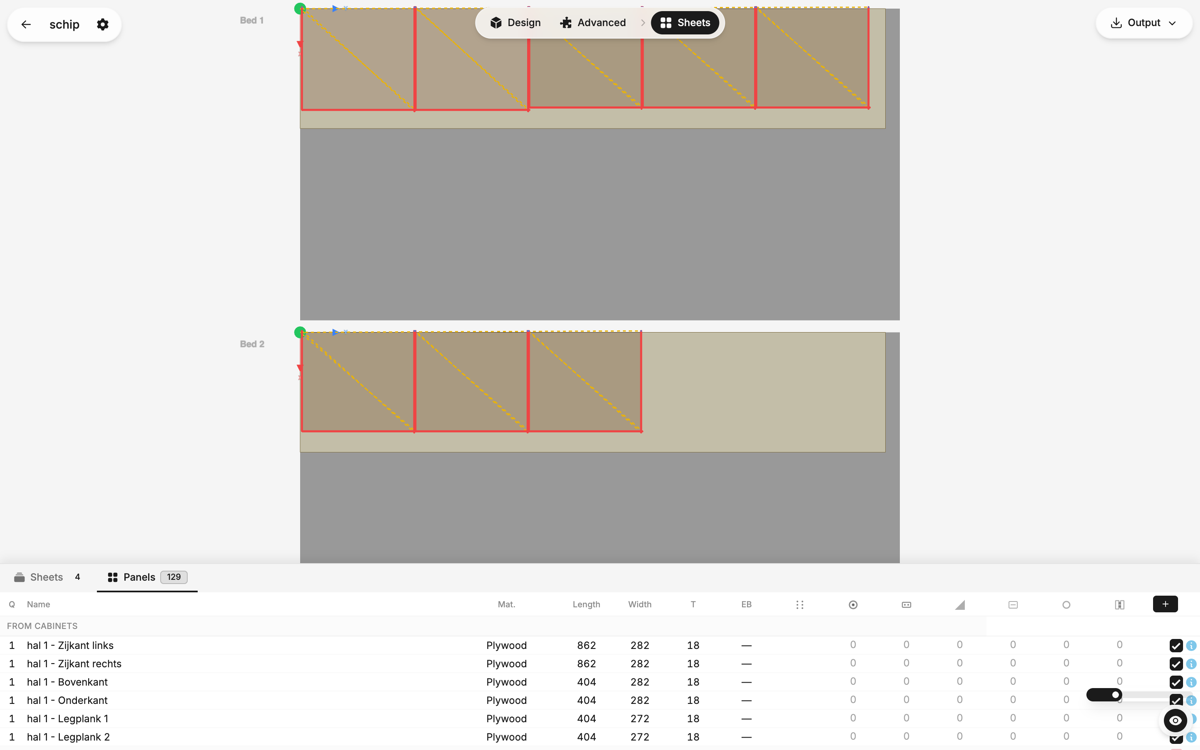
Nest your panels
Every panel packed onto your sheets to minimize waste.
Generate G-code
Drills, hinge cups and contours — one file, ready for your CNC.
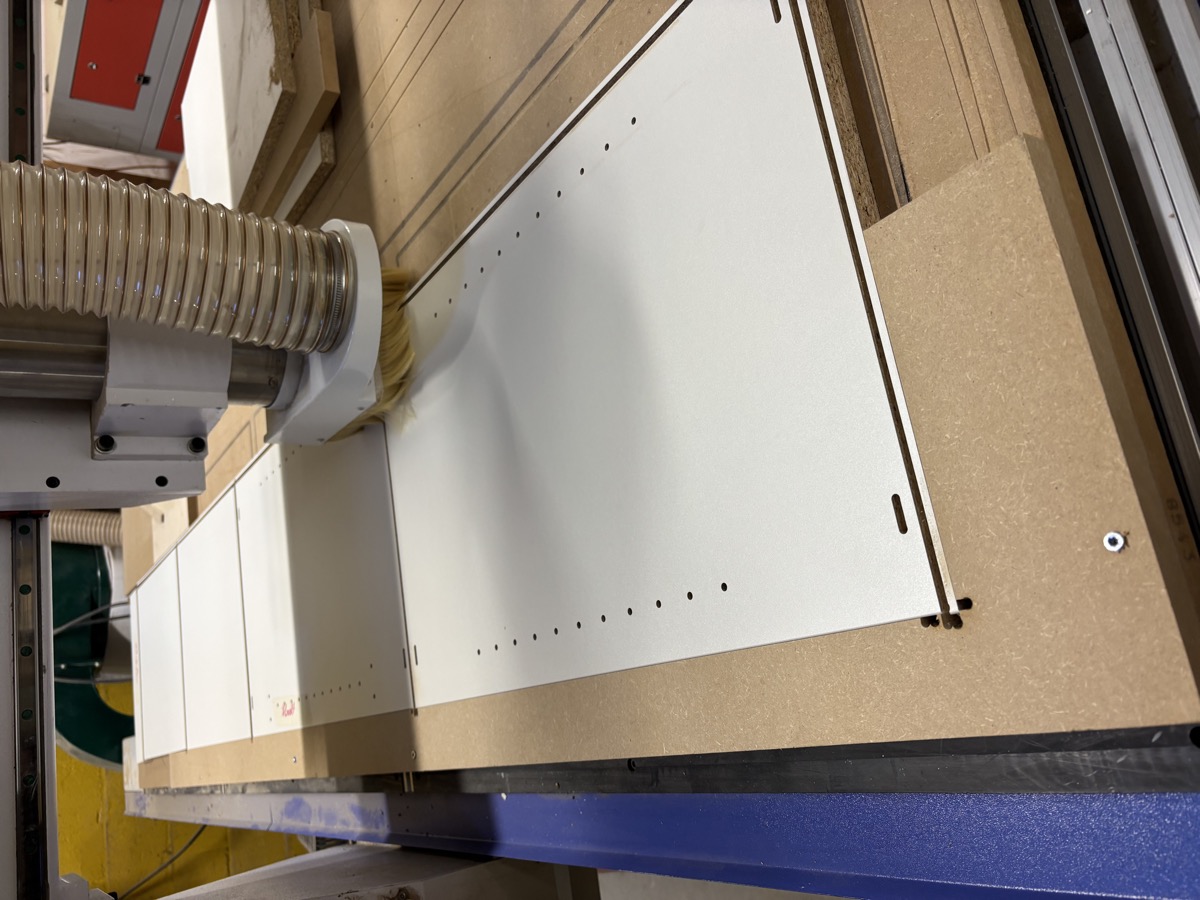
Pre-banded sheets, zero waste
Most cabinet panels only need one finished edge. You can buy sheets with that edge already banded at the factory. KerfLab orients every panel so the visible edge aligns with the pre-banded one.
Skip the tape, the trimming, and the finishing.
Learn moreOne bit. One zero. Done.
No automatic tool changer? Every bit swap means stopping, re-zeroing, and losing time. KerfLab does everything with a single compression cutter: panel cuts, hinge cups, shelf pins, all in one run.
No tool changes. No re-zeroing. No surprises.
Learn moreAlready have panels? Add features with your CNC.
Pre-cut panels, hand-cut, or from a previous project. KerfLab generates indexing pins and drilling programs so you can add hinge cups, shelf pins, and construction holes without measuring or marking.
Learn moreYour panels, your machine, your G-code.
Design a cabinet, nest your panels, generate G-code. No account required.